Add Arena
This Page Might show a Saved Session Section on Top if you have saved Sessions. To add a new Arena, click the New Connection button and a new section will fill the space below.
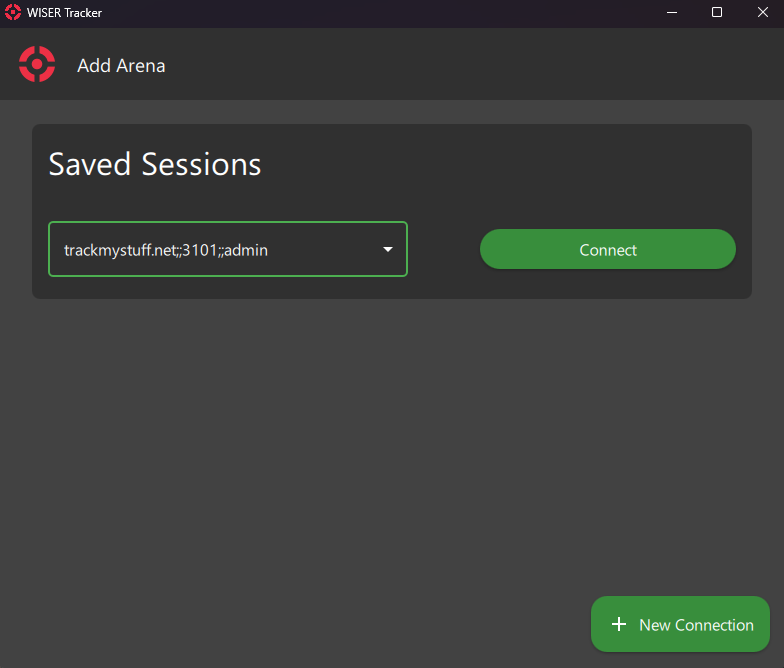
If you don't have any Saved Sessions, the following layout will be visible.
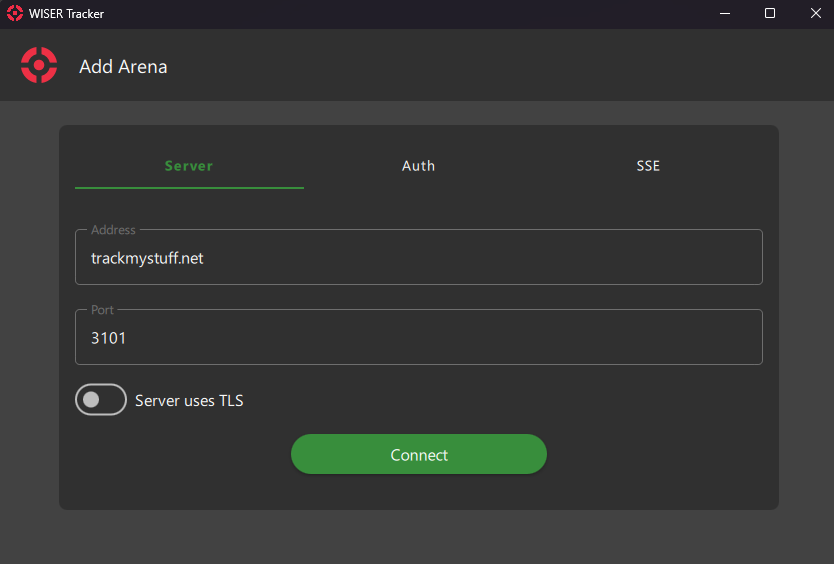
Below the New Connection text, you can see that there are 3 available Tabs, the first, Server is already selected.
Server
Type your arena's Server Address and Server Port. The same data set up in the Tracker Server.
Auth
Here you can type your server's configured authentication.
If you didn't set up any Authentication, you can leave these fields empty.
Info
INFO
Some Features requires Authentication to be configured and enabled.
Danger
DANGER
If your server is open to a public network, we advise you to set up Authentication.
SSE (Server Sent Event)
Type your arena's SSE Address and SSE Port. The same data is set up in the Tracker Server.
Info
NOTE
For SSE to work, Authentication is required.
Server Uses TLS
Check this option if the server is configured to use TLS