Session
Save Session
To Save a Session you must be at Home Screen and go to the Main Menu and Click the option Save Session.
A dialog will open and you will be able to write a name for your session.
All connected Arenas will be saved in the Session alongside their respective Auth configuration.
Connect to Session
All saved sessions will be displayed on the Add Arena Screen. You can use the dropdown and Click the Connect button.
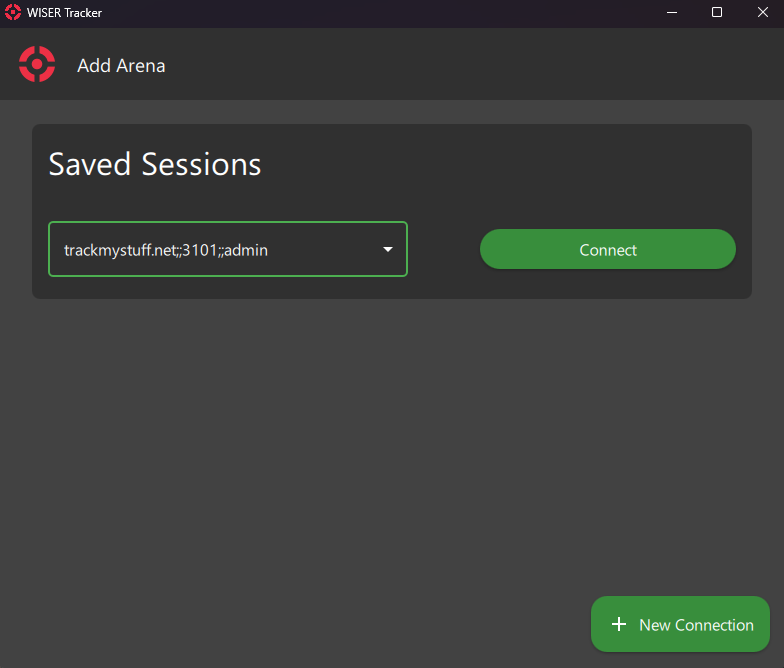
Session Manager
Currently, on this screen, you can see all your saved sessions and the Arena's Connection associated.
Delete Session
- Go to the Session Manager Screen
- Use the dropdown to select the Session you want to Delete
- Click the Delete Session button and Confirm
Use Saved Session on New Install
Since Version 4.0 you can use a station saved sessions for new installations.
Check Quick Start > Quick Start: Installation for more information.