Tag Extra Properties
Since server version “2.19.44” and internal app version “4.2.0”, you can configure up to five extra properties for all tags. This feature is still experimental, and we will keep improving it.
To set it up, open the app and go to: Settings > Tracking
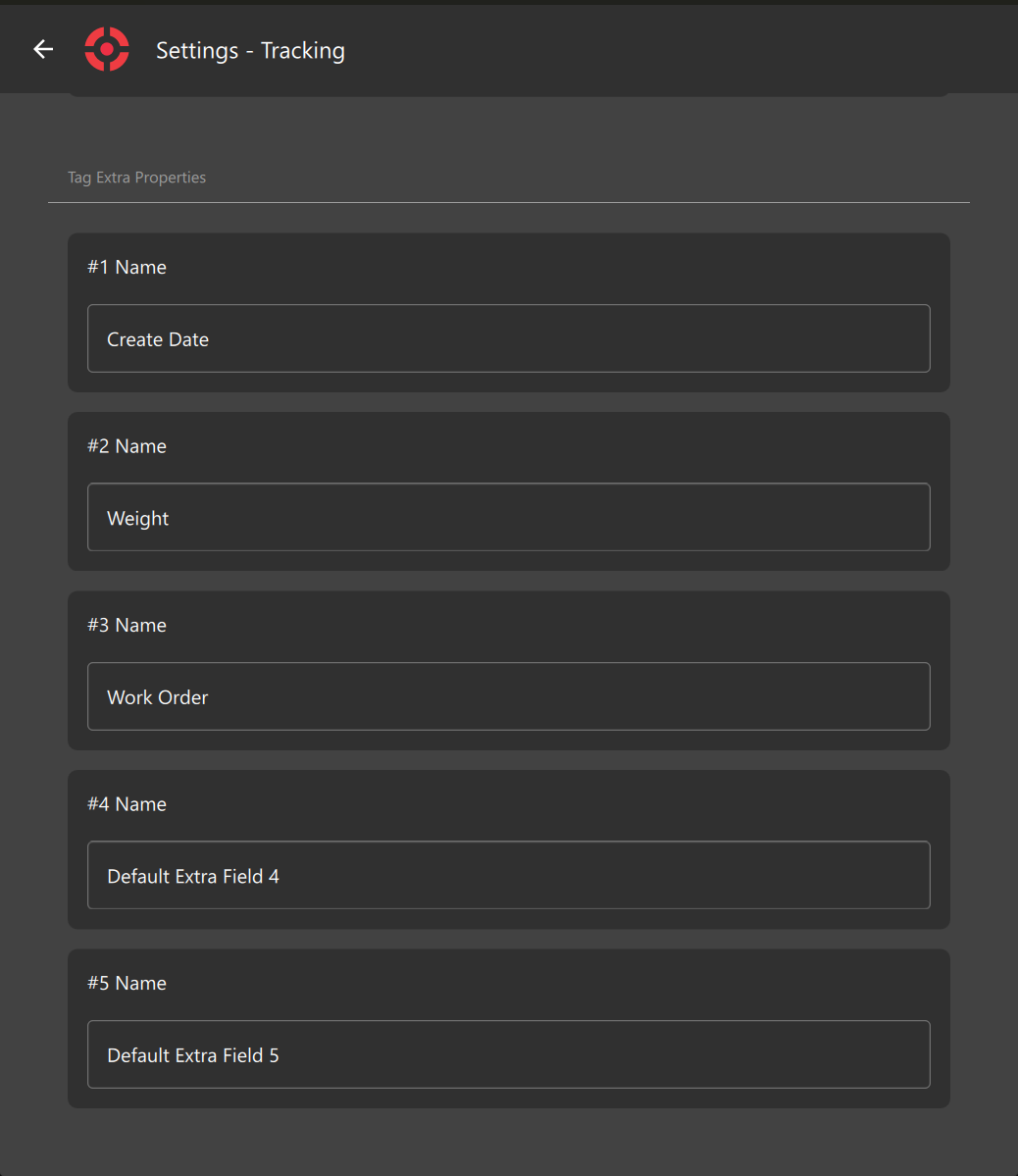
When you are done customizing them, leave the screen and those option will be available to edit at Tag Edit Screen and Tag Assignment Screen.
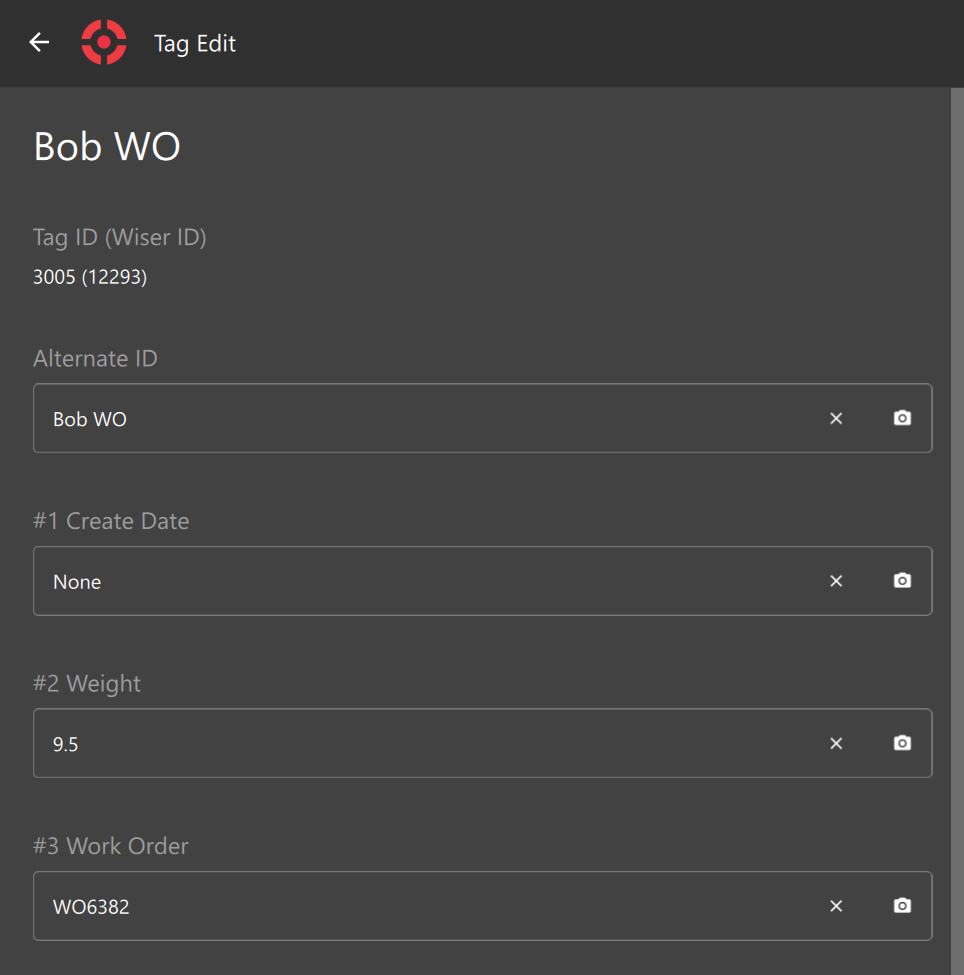
You will also be able to see those fields in the Tag Info Panel (Arena Map)
.png>)
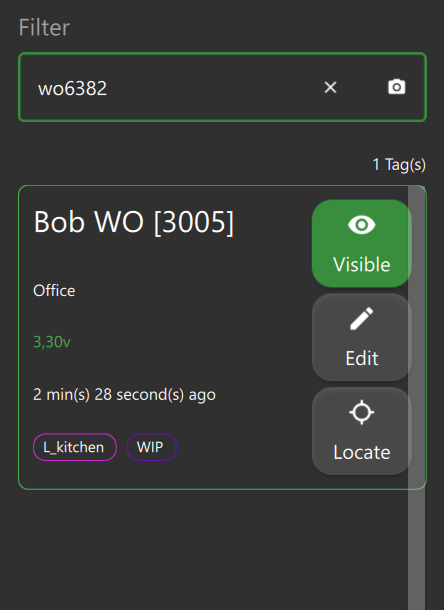
and they are also searchable!