Application
These Settings are all Related to the App Only. Nothing will be saved or requested to the Wiser Server.
General
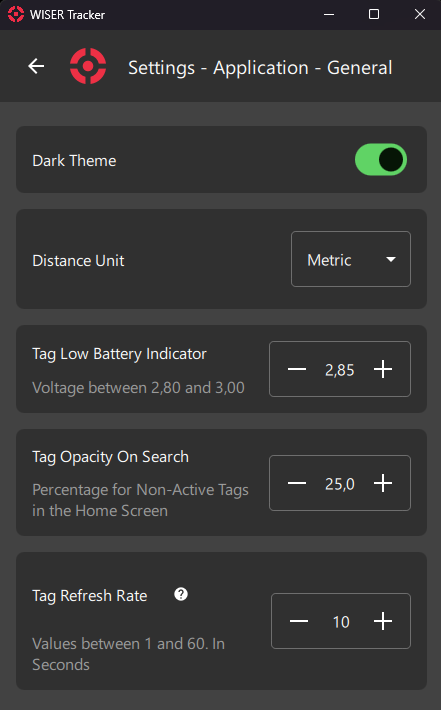
Dark Theme
Dark Theme will darken all colors across the App. This will help take some of the strain off your eyes and decrease energy consumption.
Distance Unit
Select Distance Unit for usage in the App. Either Metric or Imperial (Default).
Tag Low Battery Indicator
Select voltage for the Low Battery Indicator. This indicator will be displayed on the Home Screen.
Tag Opacity On Search
Selecting a Tag, by Clicking on it, Search or Locate Button will set all others tags opacity to this value.
Tag Refresh Rate
How Often the App Requests Updated Info from the API.
Visibility
Changes will take effect on the Home Screen. These Options are also available at Home Screen > First Steps: 8 Visibility Panel
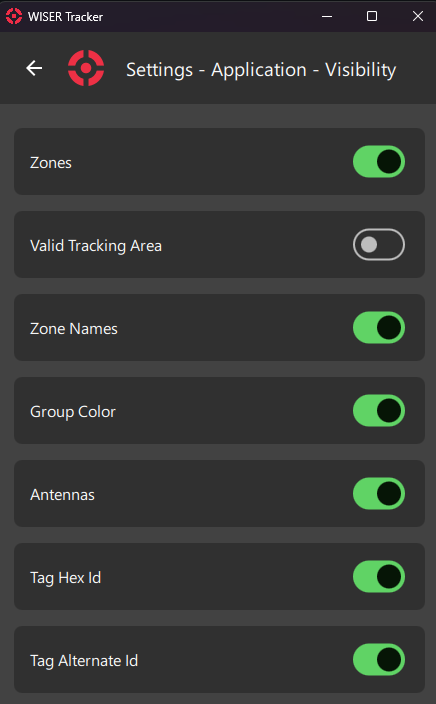
Zones
Display Zones.
Valid Tracking Area
Display Valid Tracking Area.
Zone Names
Display Zone Names.
Info
INFO
The name will be displayed next to the first point created.
Group Color
Display Tag in Group Color, instead of the default Red color.
Info
NOTE
We currently don't offer a way of setting a Group as Leader/Main/Active.
Tags with more than one Group will use the first Group's colors from the PassiveTag Endpoint.
Antennas
Display Atennas
Tag Hex ID
Display Tag Hex Id
Tag Alternate ID
Display Tag Alternate Id
Tag Coordinates
Display Tag's Coordinates (X, Y, Z) below the Name.
Simplify Tag Icon
Display Tags as Dots. When using a large number of Tags, using just a Dot might have a less crowded visualization.
Zone Halo Around Tag
Display a colored halo with the Zone's color around the tag, for Every overlapping zone.
Display Points
Display Tag Points on the Home Screen. Available in History Mode.
Display Spaghetti Diagram
Display a Spaghetti Diagram on the Home Screen. Available in History Mode.
Camera
These Settings are also available inside the Camera Preview by Clicking the Gear Icon.
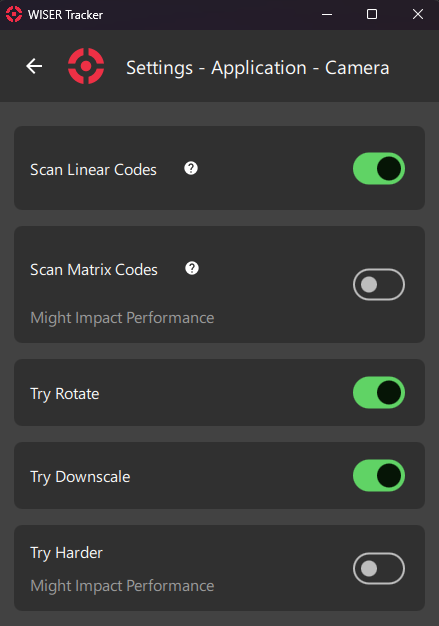
Scan Linear Codes
Scan Classic Barcodes:
- Codabar
- Code39
- Code93
- Code128
- DataBar
- DataBarExpanded
- EAN-8
- EAN-13
- ITF
- UPC-A
- UPC-E
Warning
WARNING
To Scan Wiser Tags, using the Camera, this option must be enabled.
Scan Matrix Codes
Scan Matrix and QR Codes:
- Aztec
- DataMatrix
- MaxiCode
- PDF417
- QRCode
- MicroQRCode
Info
WARNING
Might Impact Performance
Try Rotate
Rotate the Image, internally, to help detection.
Try Downscale
Downscale Image, internally, to help detection.
Try Harder
Tries Harder.
Info
WARNING
Might Impact Performance
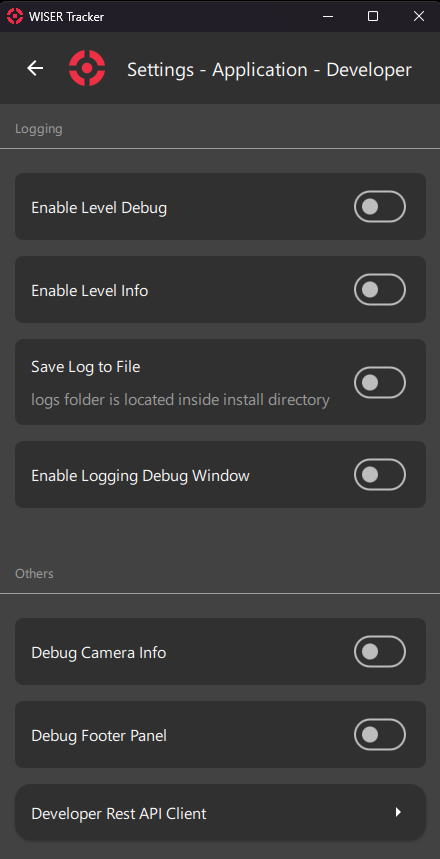
Developer
Developer Settings Used by Wiser Team in Support Calls