Notifications
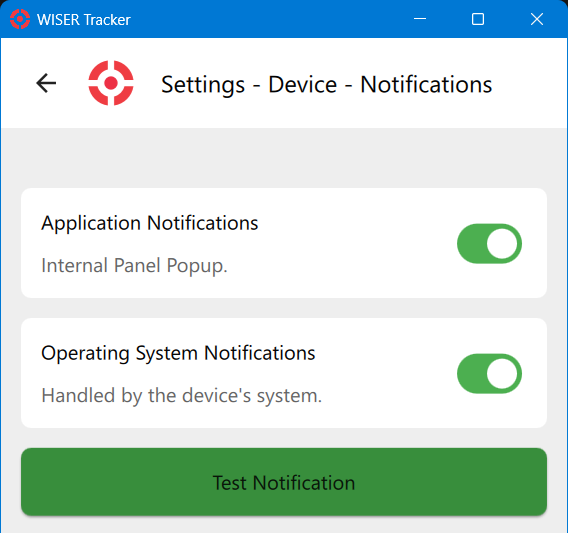
Notifications of system events, changes in system health, and notifications triggered by Rules can be displayed both inside the App and as operating system notifications. Operating System notifications will typically require additional permissions in the operating system. Use the Test Notification button to verify behavior.
Windows 11
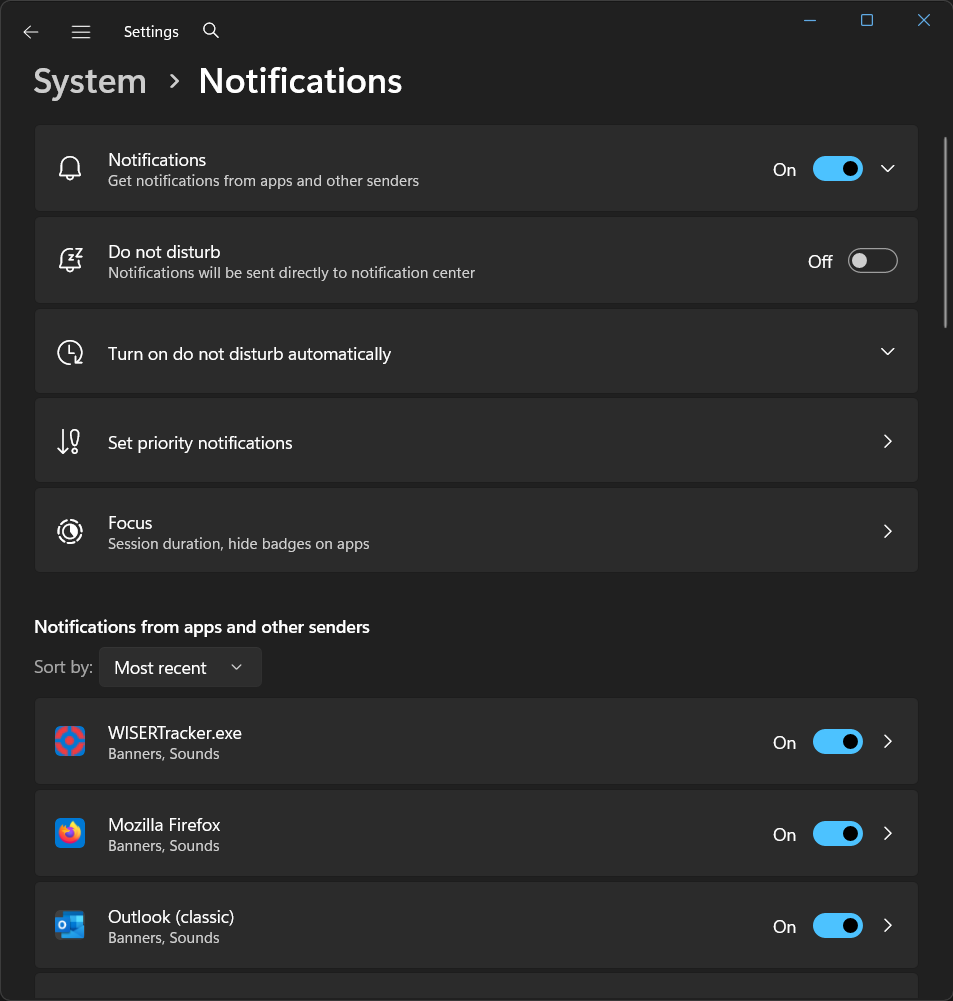
The notification permission can be found under Windows Start Menu → Settings App → System tab → Notifications. Enable notifications both globally and for WISERTracker.exe.
Android
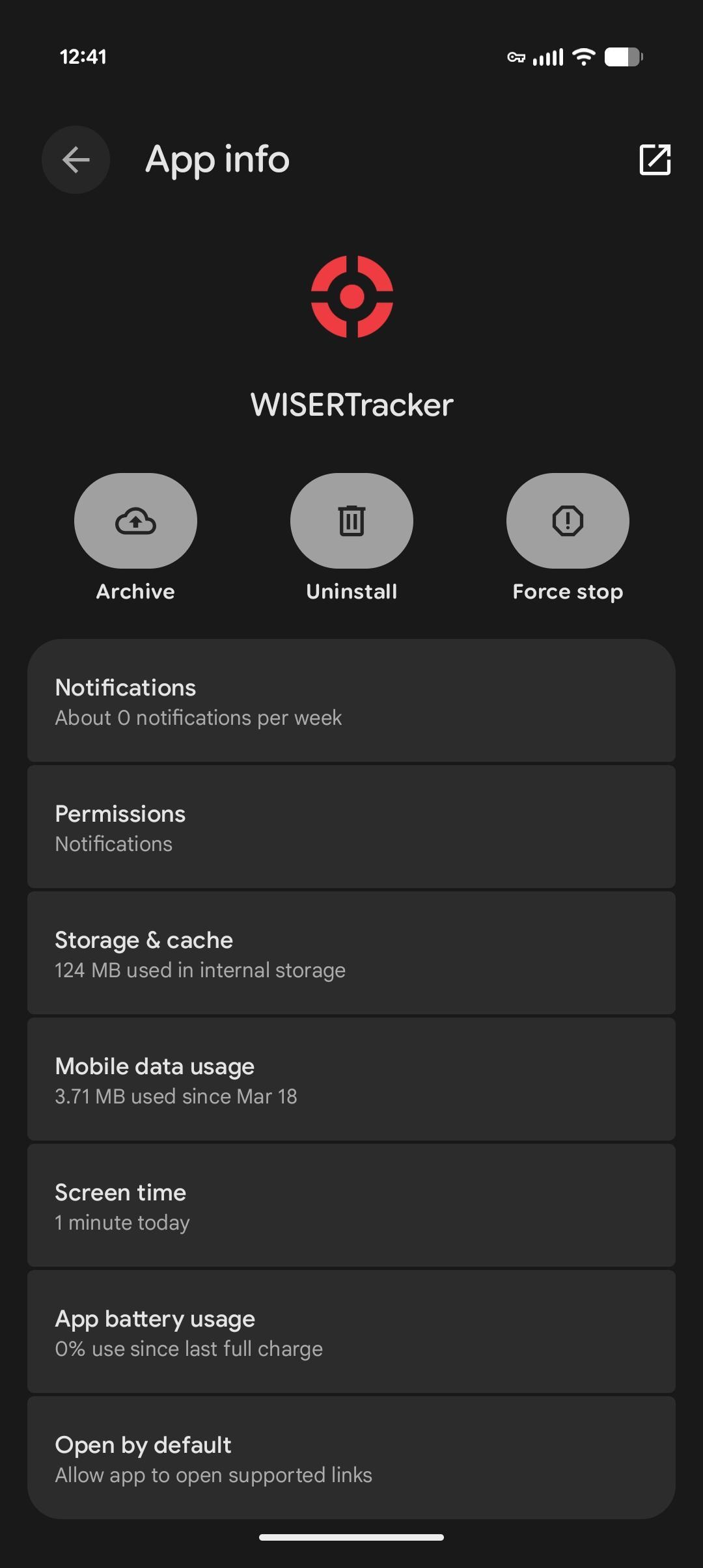
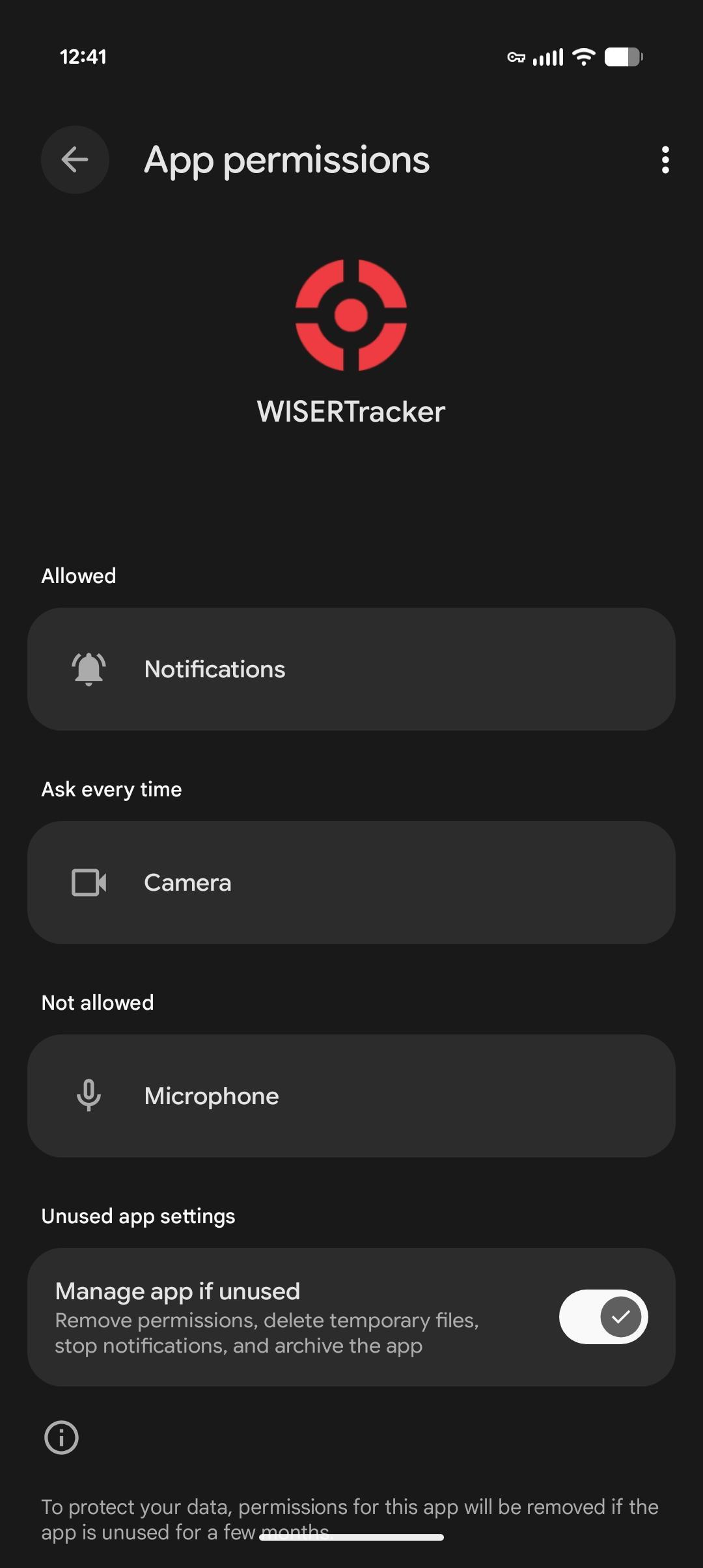
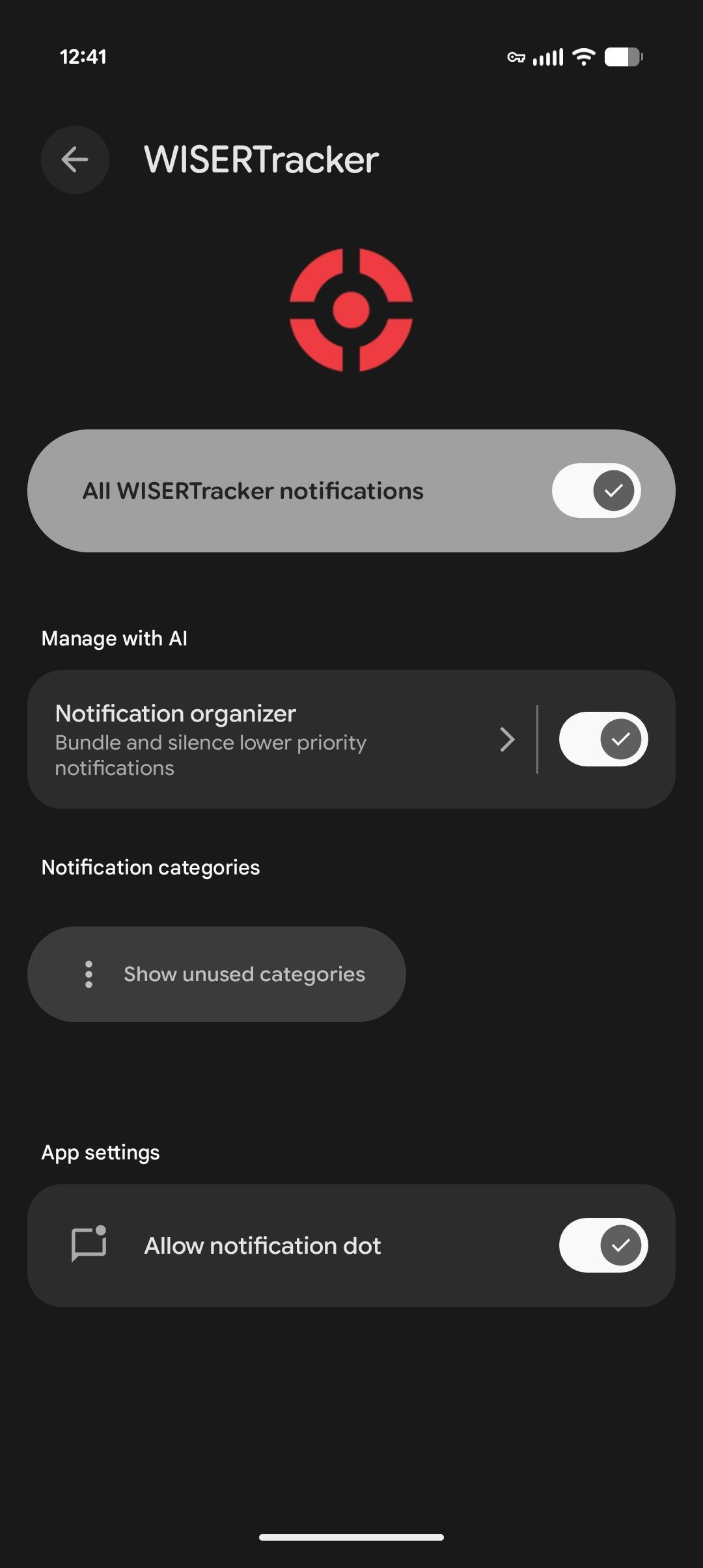
The notification permission location can vary by version of Android. It can typically be found under Settings → Apps → WISER Tracker → Permissions → Notifications.
Apple iOS
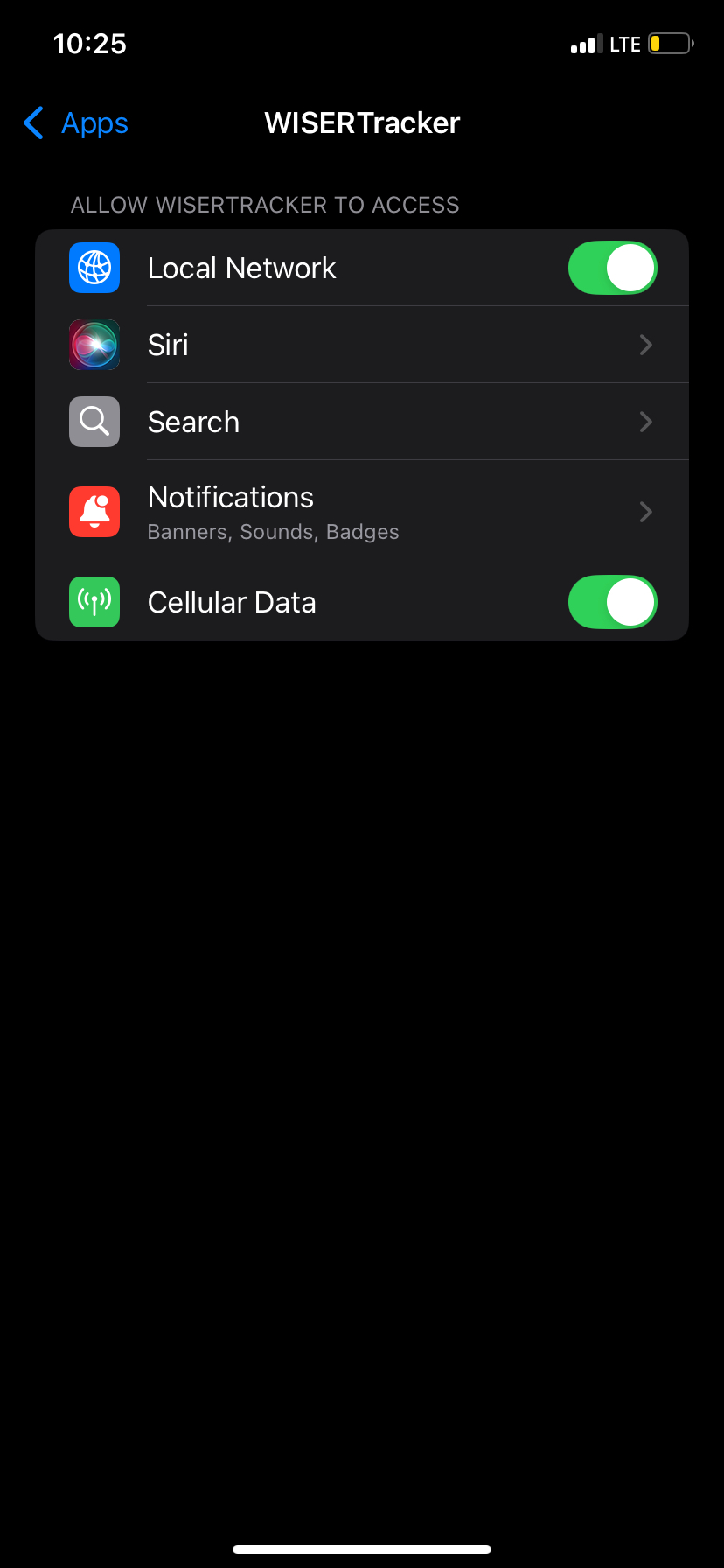
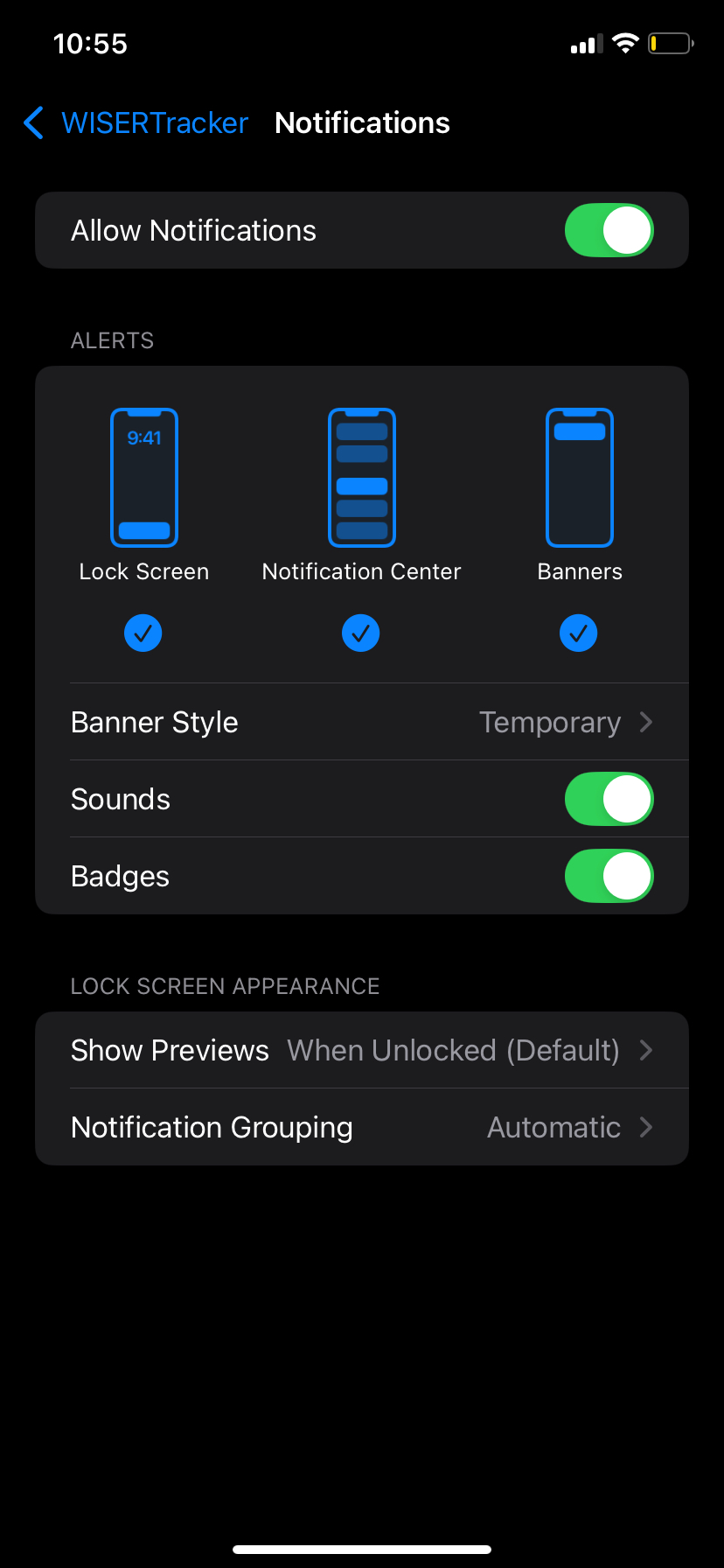
The notification permission can be enabled under Settings → Apps → WISERTracker.